
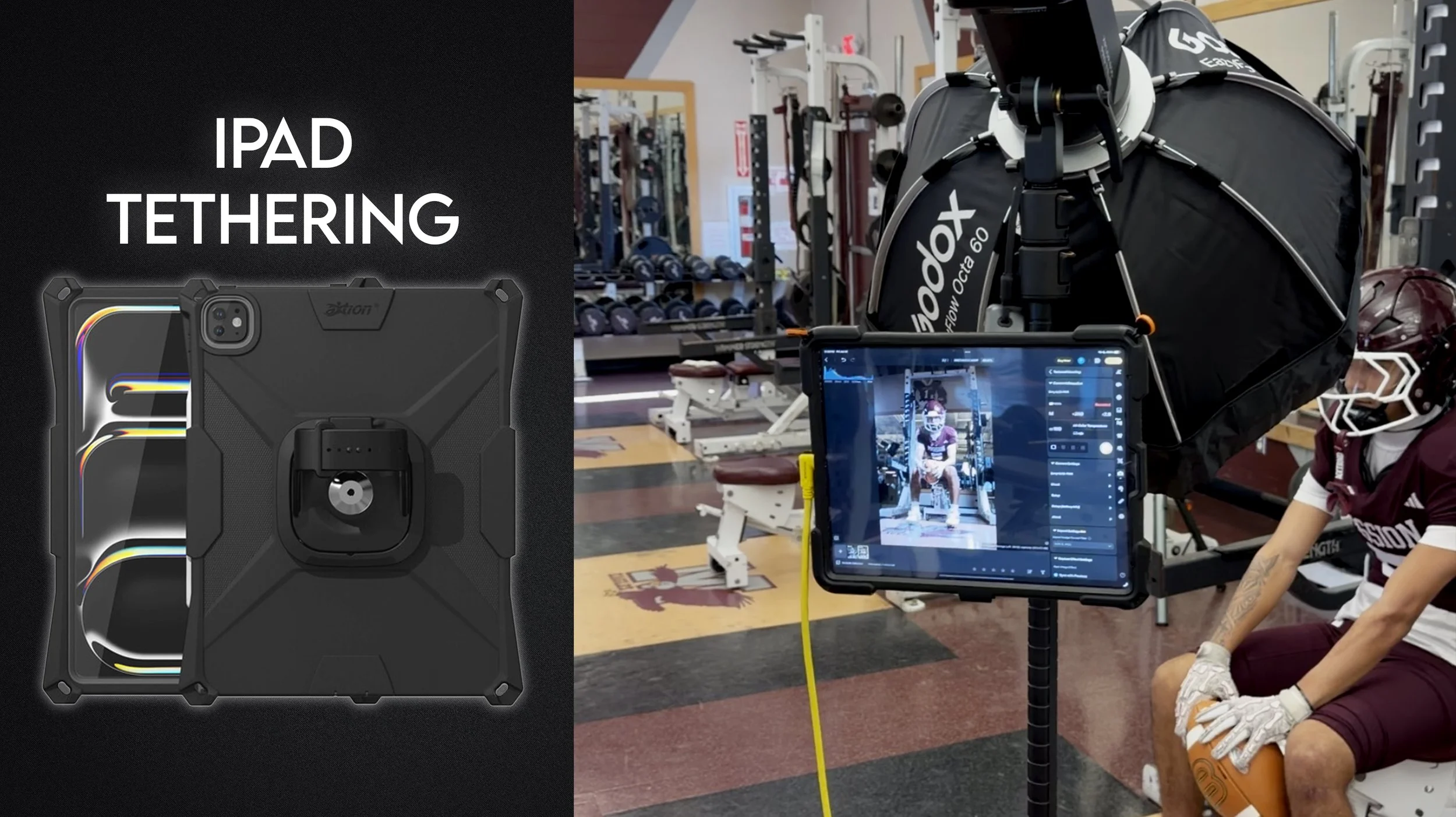
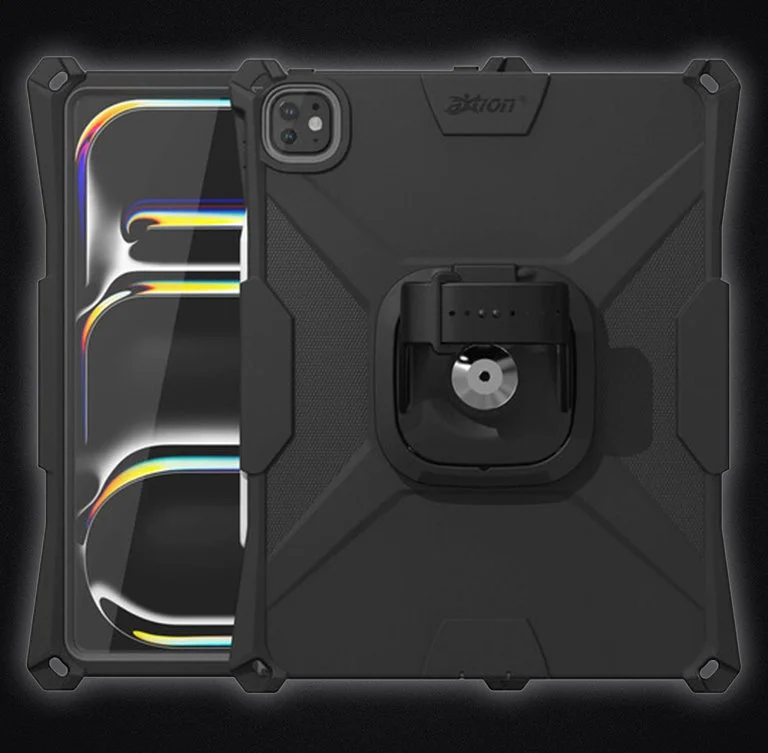
13” iPad Case
This is crucial to the setup as it allows you to connect the iPad to the camera strap. I’m linking the 13” version but there’s also other sizes.
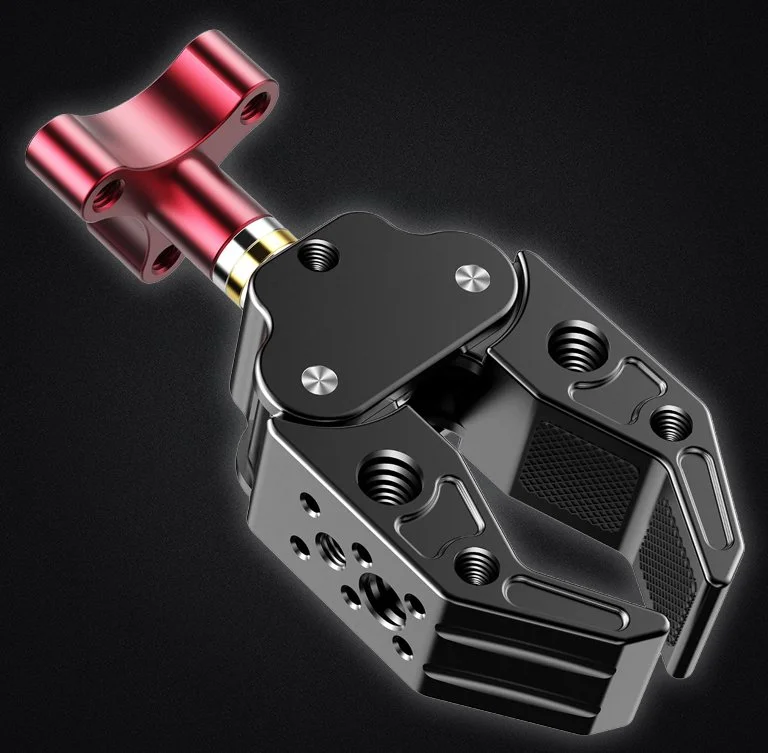
Super Clamp
Allows you to connect the arm to a light stand. There are other similar clamps out there, but I liked all the available threads on this one.
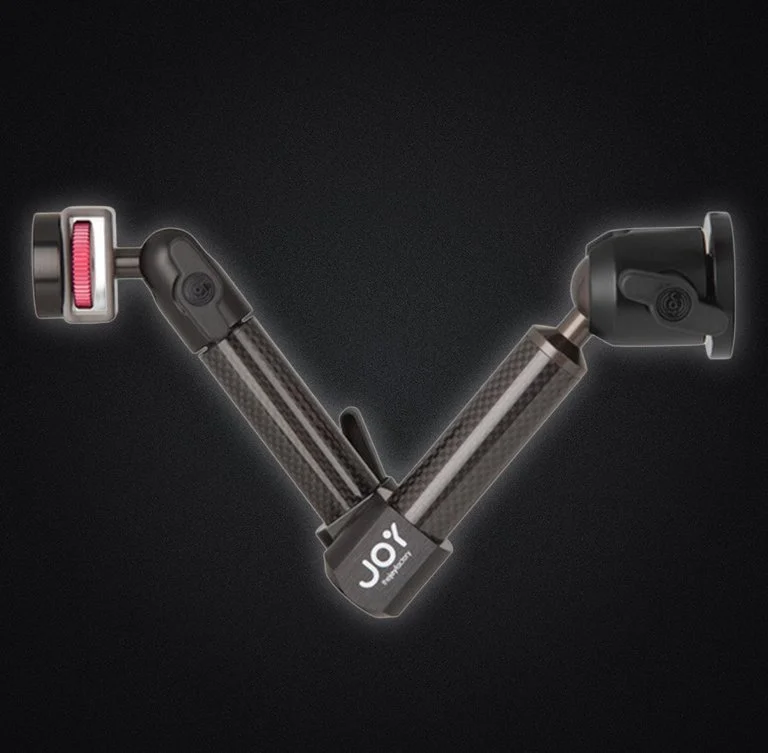
iPad Arm
This allows you to connect the clamp to the iPad magnetically.
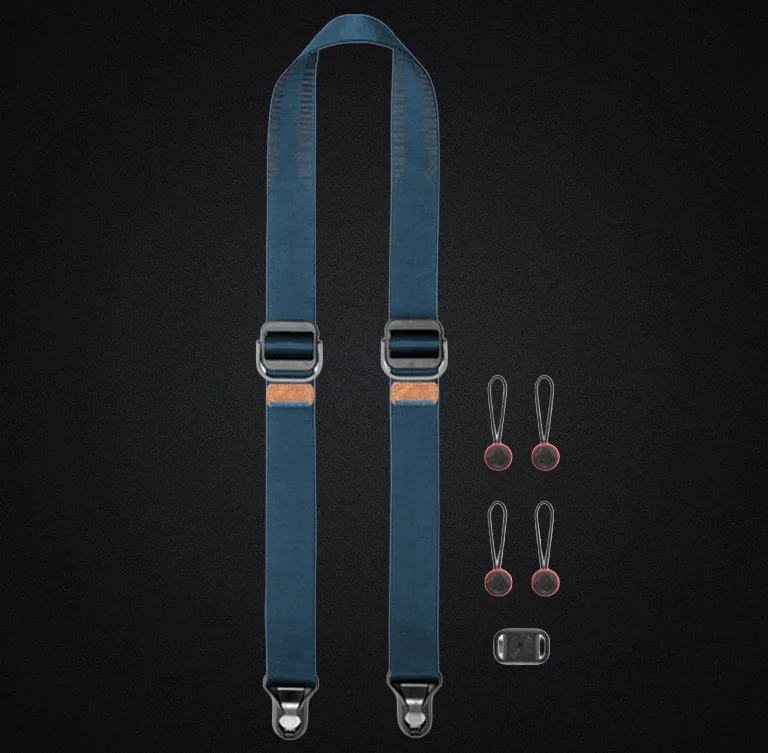
Camera Strap
This will connect the iPad to your neck which eliminates the need of a light stand or anything else that would hold the iPad.
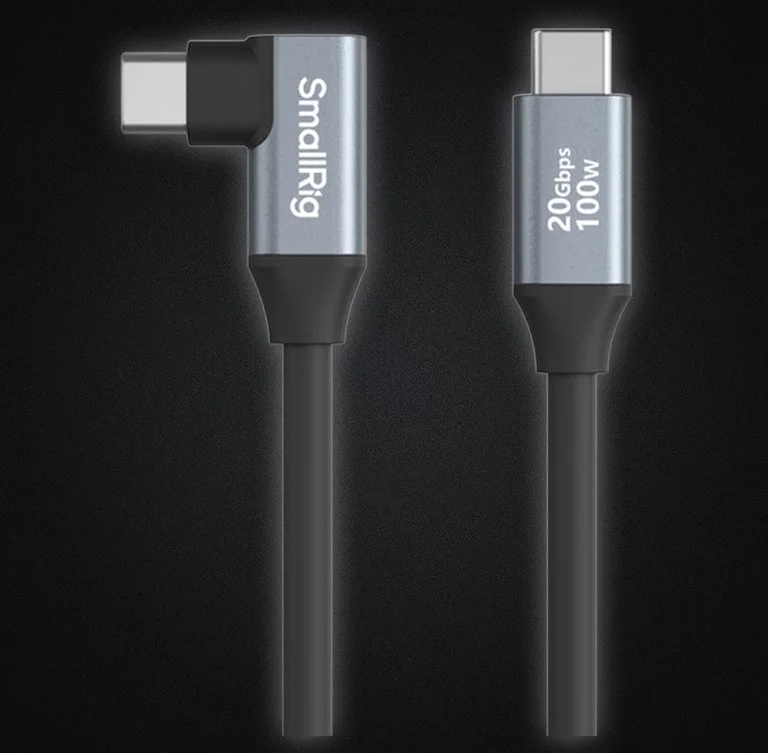
USB-C Cord
You’ll need a fast USB-C cord for transferring the images quickly to the iPad. This is one that works great and is affordable.
Evoto AI
This is the app I used. It was Evoto for iPhone. There’s also Evoto for Android as well. My link will give you extra credits to use with the software.
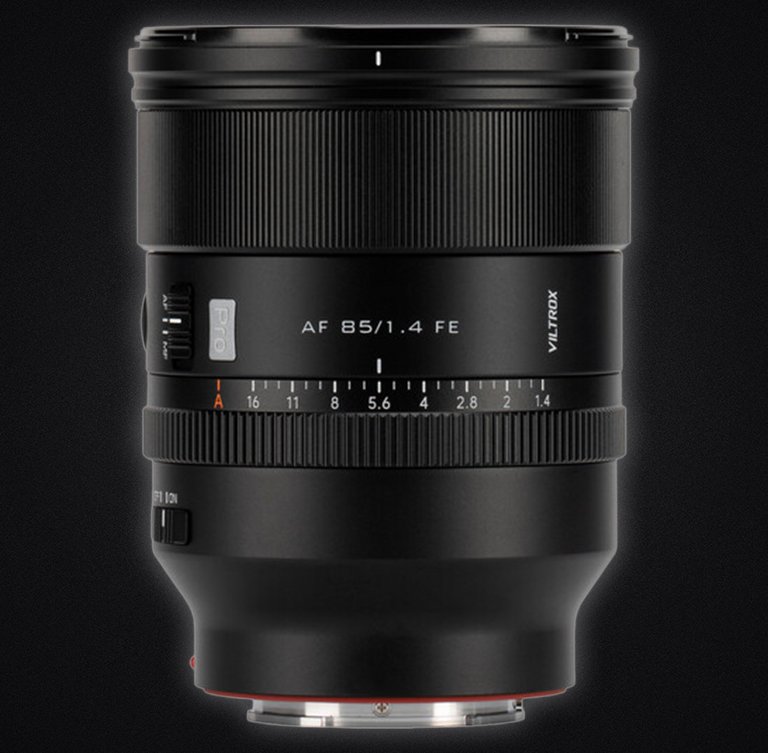
Viltrox 85 f/1.4 Pro
This is the lens I used in the video. I use it whenever I want a nice blurry background without the lens being too heavy.
13” iPad
In case you didn’t already have an iPad, here’s a great one to get for the tethering setup. Large display + not too heavy.
I’m currently working on a YouTube video explaining this iPad tethering setup, but here’s a brief explanation on how to get it started;
Step 1 : Sign up for Evoto AI using the link above (it’s the yellow icon). My link gives you free credits.
Step 2: Download Evoto AI for iPad onto your iPad, open it up, and then log into your account.
Step 3: Start a ‘Project’ using the little plus icon on the top left of the app. Select ‘Tethered Shooting”.
Step 4: Connect your iPad to your camera with the USB-C cord I linked above.
Step 5: That’s it! =)
Quisque iaculis facilisis lacinia. Mauris euismod pellentesque tellus sit amet mollis.